Call for mobile welding help in Belleville
Call first for trailer repair, equipment welding, farm repair, gates, railings, aluminum work, or urgent metal repair. Use the form if you cannot call.
Call for the fastest answer. Mon-Sat, 7am-7pm for normal callback hours.
Get a clearer answer on the first call.
A good request helps confirm whether mobile welding is practical, what safety details matter, and what photos or measurements will speed up the callback.
- One wide photo, one close-up, and one access photo.
- Steel, stainless, aluminum, cast, or unknown material.
- Belleville-area location, urgency, and whether the item can move.
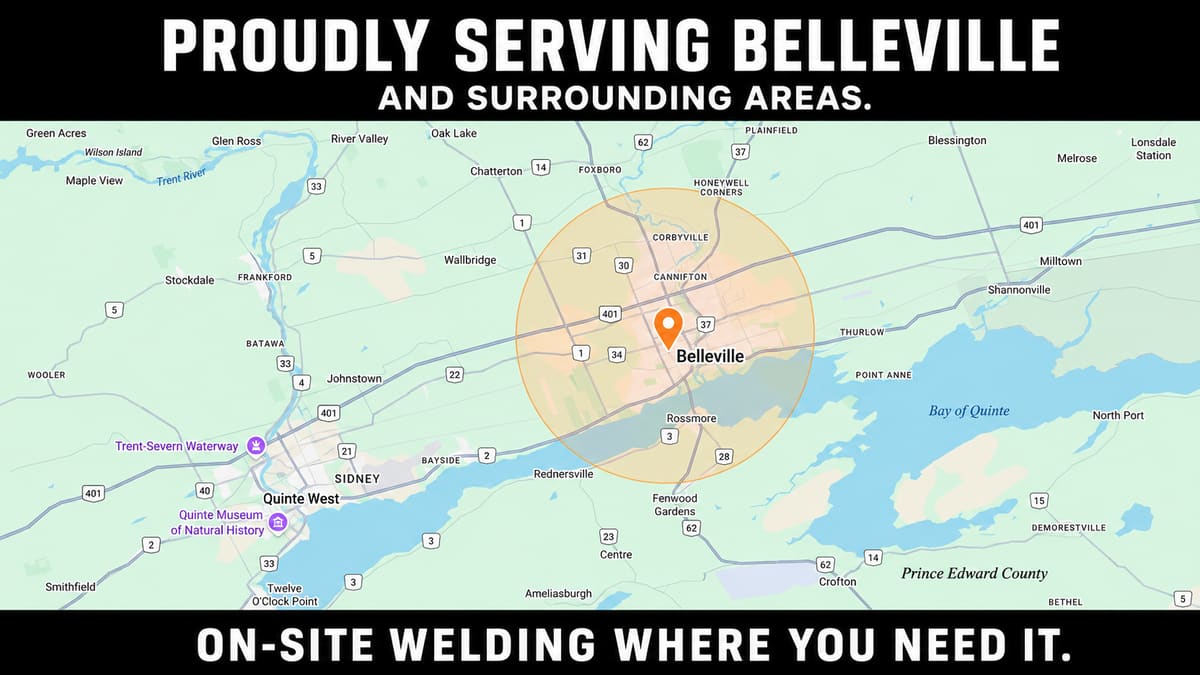
Call first, then send photos if the job is hard to describe.
Start with your location, job type, material, urgency, and access notes. Photos can help after the call when the repair involves a trailer, machine, gate, railing, bracket, or aluminum part.
Three photos usually make the callback better.
A wide photo, a close-up damage photo, and an access photo help confirm whether the truck can reach the work and whether mobile welding is the right next step.
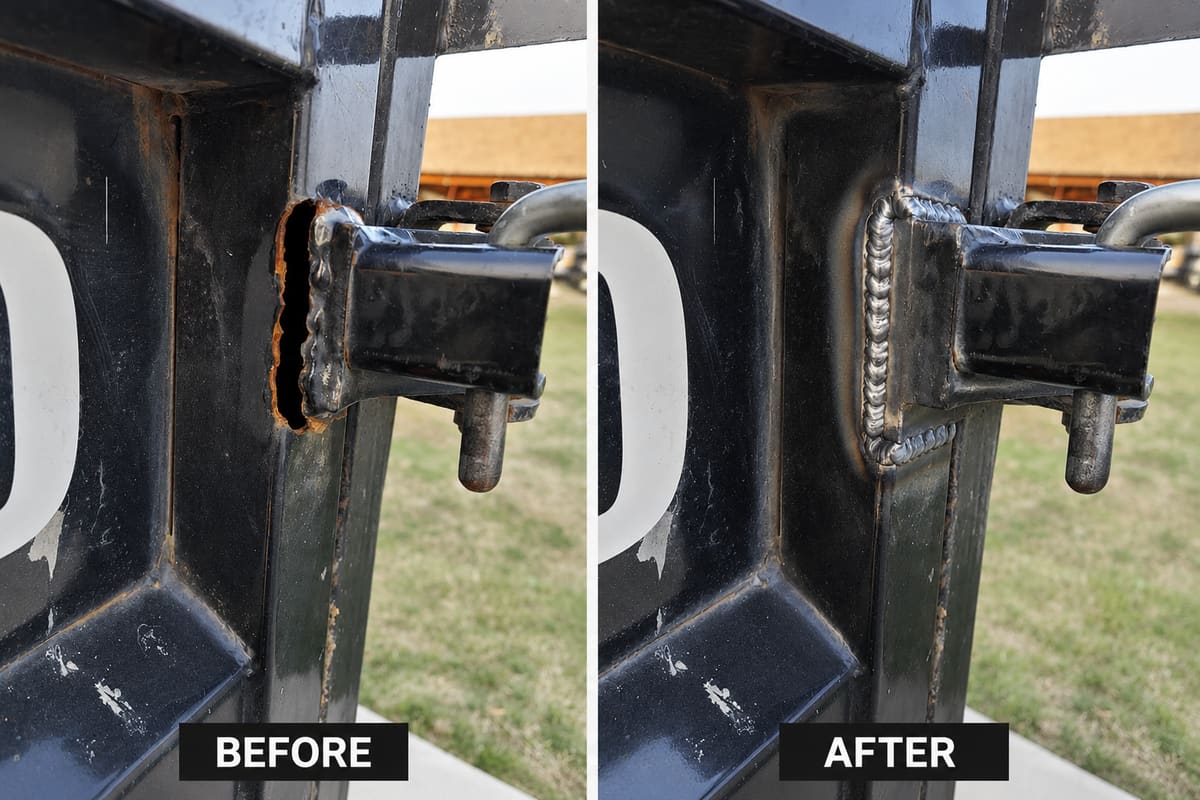
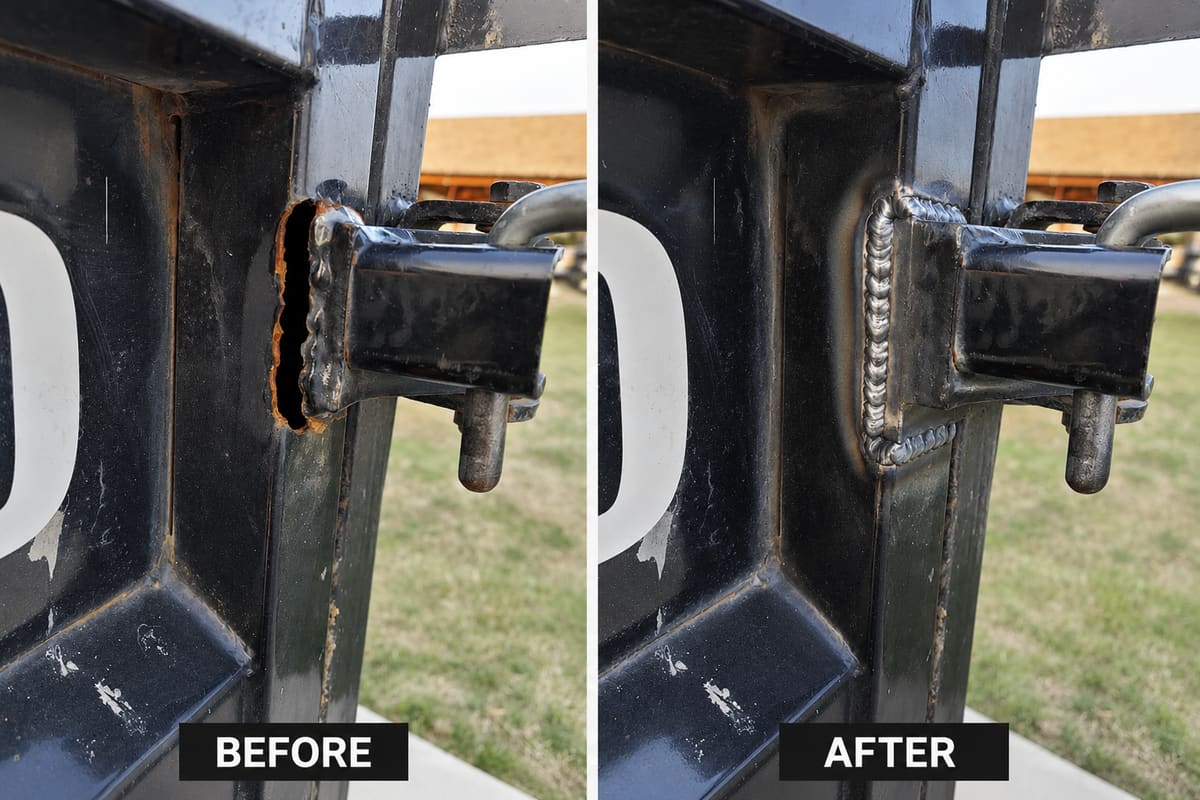
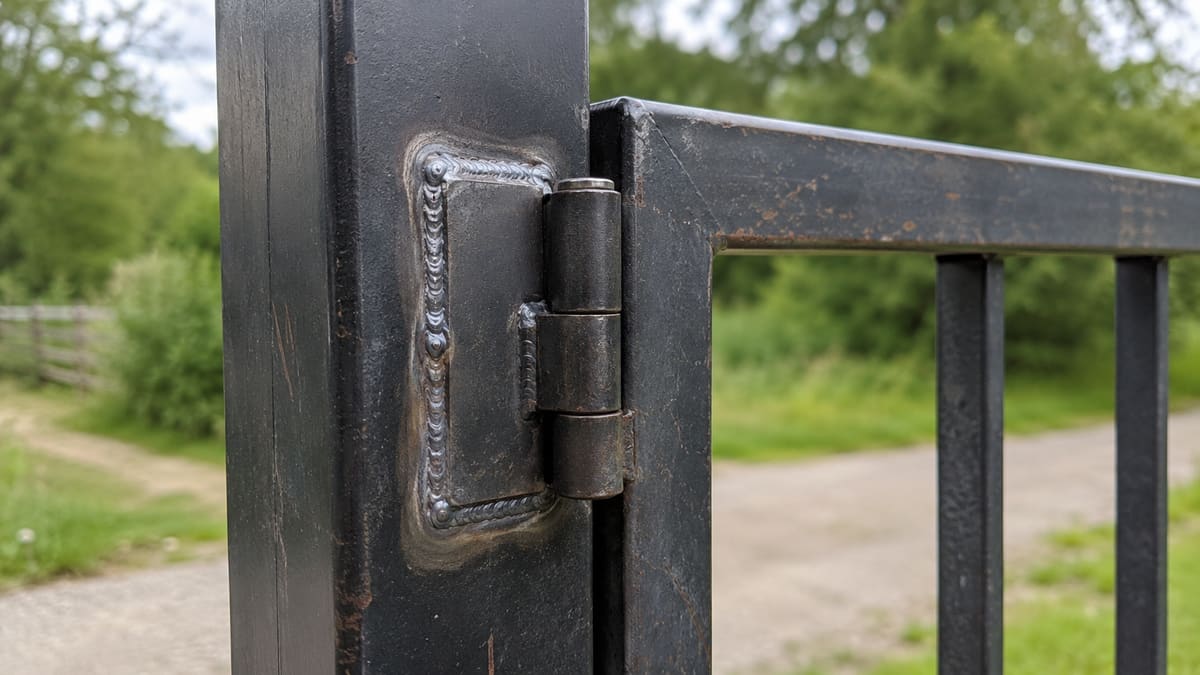
Call first, then send details if photos will help.
Start with the basics: name, phone number, Belleville-area location, job type, urgency, material, access, and whether photos are available. Those details make the first call faster and more useful.
Some repairs may need shop work, replacement parts, inspection, engineering review, or a different specialist. The first call should identify the right next step before anyone assumes a mobile weld is enough.
What to include in your request
Use the request box to describe the item, the type of repair, the material if you know it, the Belleville-area location, and whether the job is urgent. If the damaged item is a trailer, gate, railing, bracket, bucket, farm implement, or aluminum part, say that clearly in the first sentence so the request can be sorted quickly.
The best photo set is one wide shot of the item, one close-up of the damage, one image showing access around the work area, and one image with a ruler, tape measure, or common object for scale.
Call for the fastest answer. If nobody answers, leave the item, location, urgency, and safest callback time.
Use secure form